Why It Plays Well
- Quadcopter flight with a boost button
- Battery, health and crash system
- Coins, races and missions
- Minimap, artificial horizon and chase camera
- Keyboard and touch controls

3D game
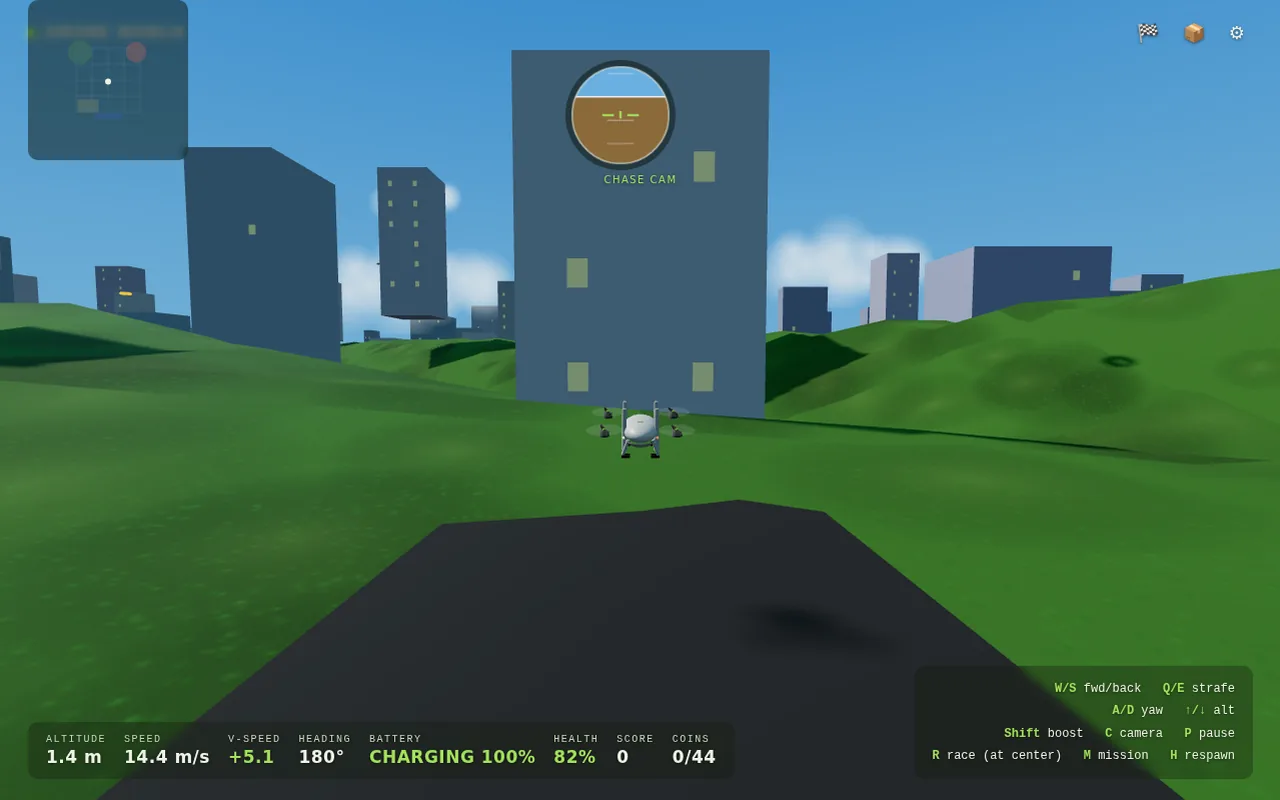
Drone World is a 3D flight simulator that puts you at the controls of a small quadcopter above a generated city of towers and rolling hills. Fly with the keyboard or the on-screen sticks, hold boost to cover ground fast, and keep an eye on the battery and health readouts, because a hard crash ends your run. Collect the coins scattered around the map, start a race from the city centre, or take on a mission, and use the minimap and artificial horizon to stay oriented. A chase camera is on by default and you can switch views with the C key. The game runs entirely in your browser with WebGL and is open-source under the MIT licence.
Best on a desktop with a keyboard. On-screen touch controls are included for tablets and phones.
Landscape orientation.
Attribution
Original work © 2026 Edwin Johannes. Licence information: MIT.
Bundled with Three.js (MIT). The unused Back link was removed and the desktop control hint fixed.
FAQ
Yes. Drone World is free to play in your browser on Endless. There is nothing to download or install and no account to create.
W / S to fly forward and back. Q / E to strafe left and right. A / D to turn (yaw). Up / Down arrow keys to climb and descend. Hold Shift to boost. C switches camera, P pauses. R starts a race at the city centre, M starts a mission, H respawns. Touch screens: use the on-screen sticks and Boost button.
Best on a desktop with a keyboard. On-screen touch controls are included for tablets and phones.
Press R at the city centre to start a race or M to start a mission. Press H to respawn if you crash, and C to switch camera.
Edwin Johannes created Drone World. Licence information: MIT. Source and attribution details are linked in the credits section on this page.
Game details
Pilot a quadcopter over a 3D city, collecting coins, racing and flying missions while watching your battery.
Explore more
Looking for something similar? Browse the 3d catalog or view the full game library.
More to play
3D
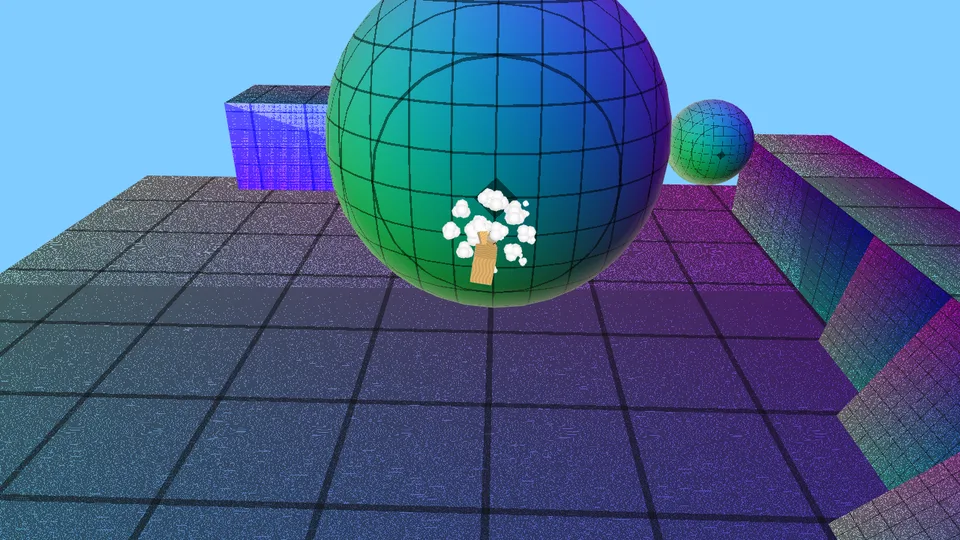
A Mario-Galaxy-style orbital-gravity platformer: run around planets and jump between them.
Desktop · Keyboard / mouse · Landscape
3D
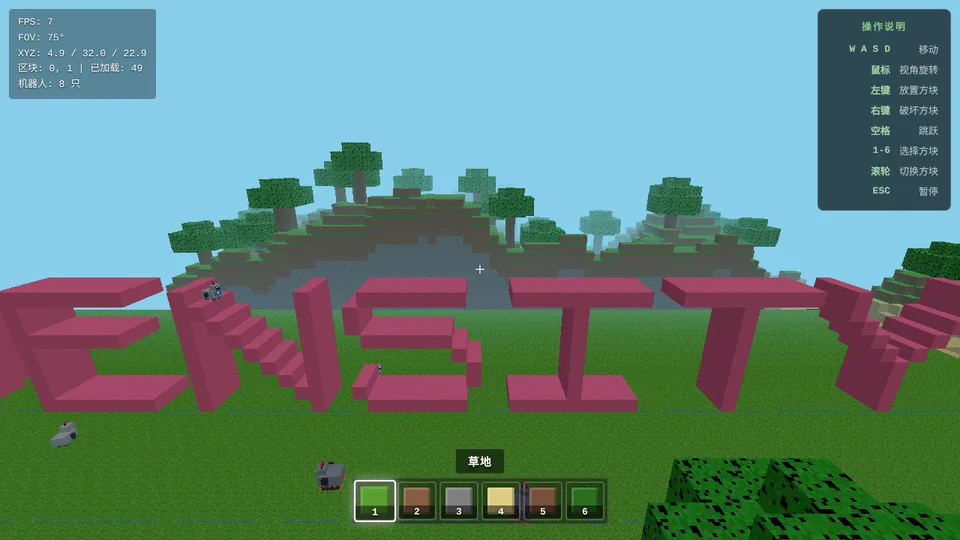
A Minecraft-like voxel sandbox: explore terrain, build and break blocks.
Mobile support not verified · Portrait or landscape
3D
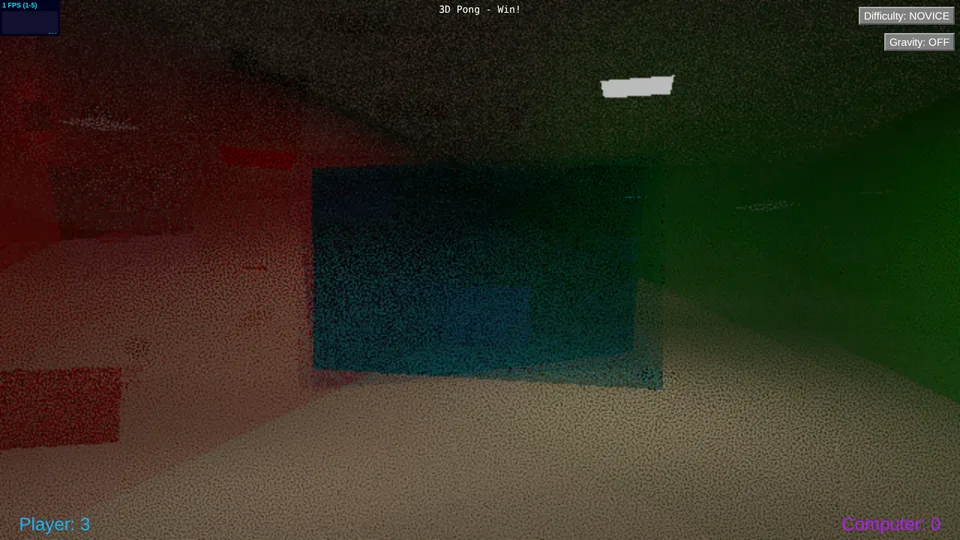
Pong played in a 3D court against a computer opponent.
Mobile support not verified · Landscape
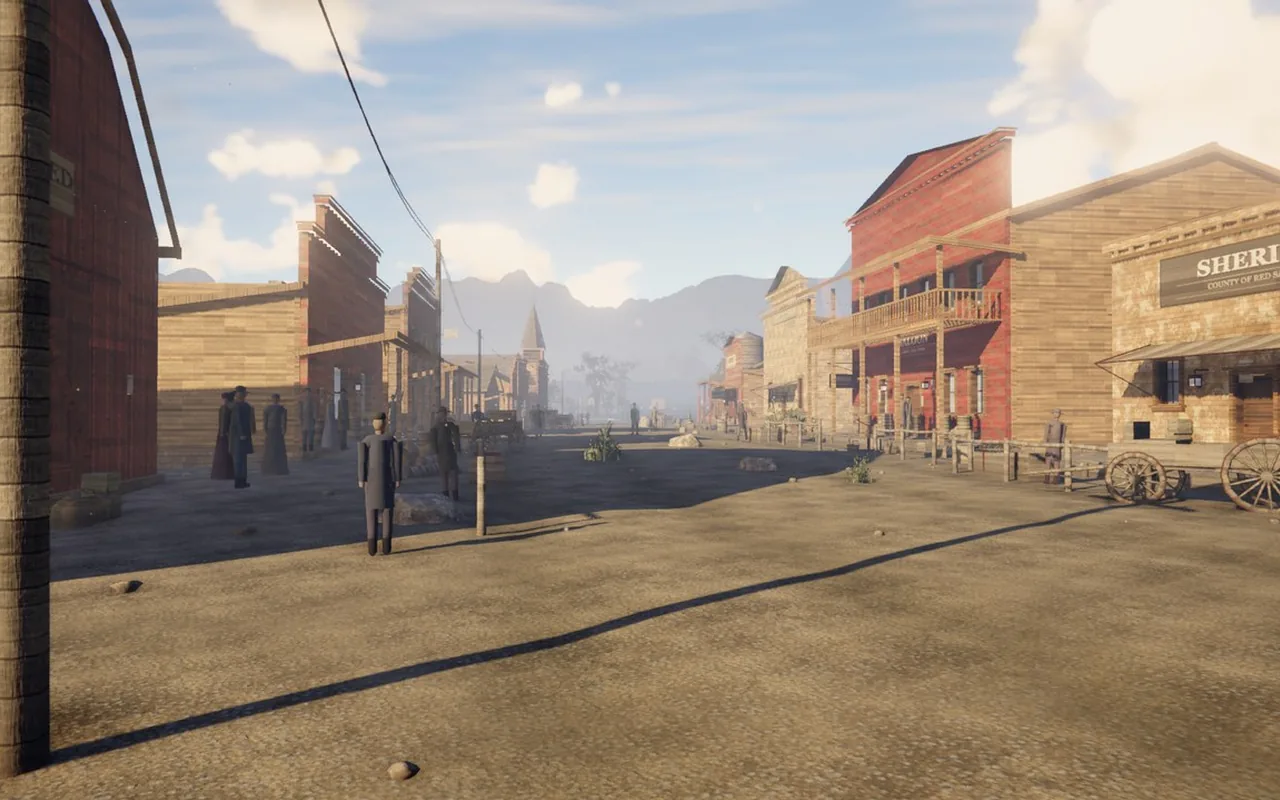
3D
An open-world western in your browser: 8 square kilometres of frontier, a living town, horses, hunting and volumetric weather.
Desktop · Keyboard / mouse · Landscape
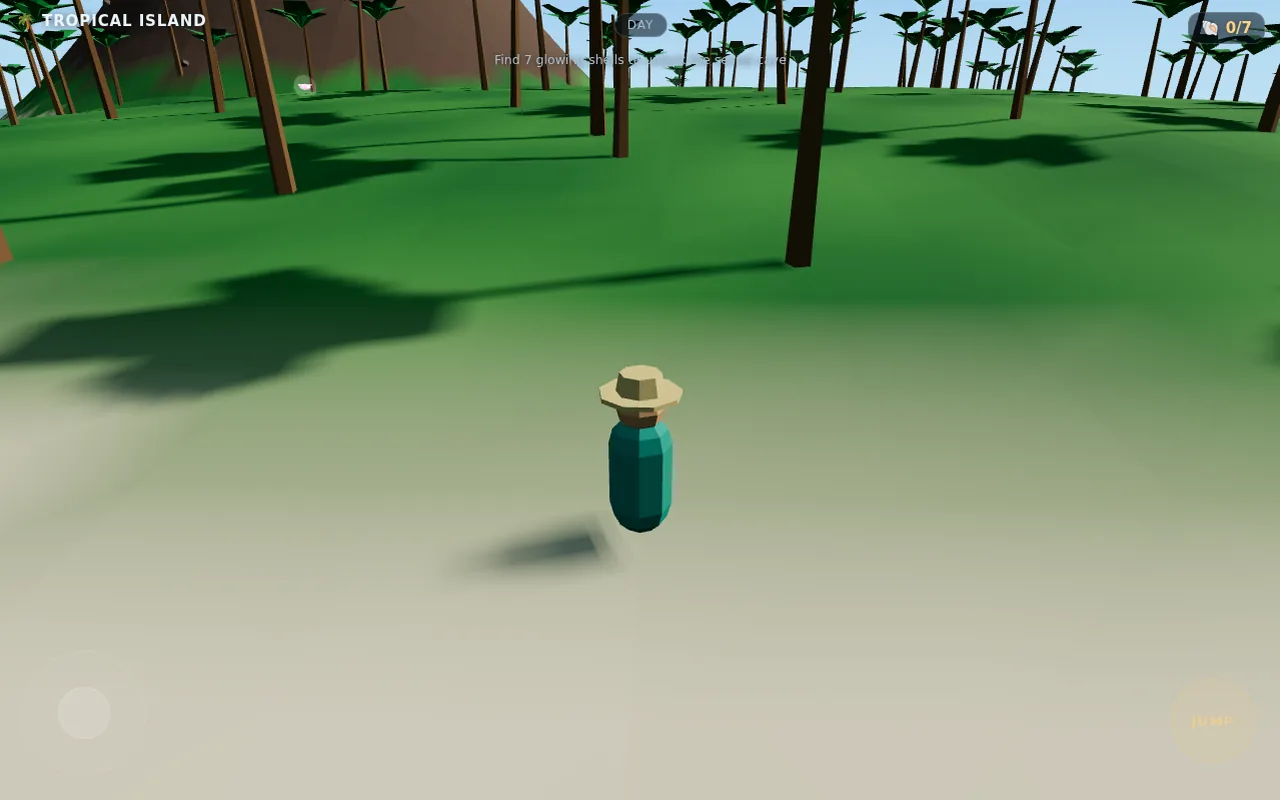
3D
Explore a sunny low-poly island in 3D, hunt for seven glowing shells and uncover a secret cave. Built for phones.
Mobile / touch support listed · Portrait or landscape
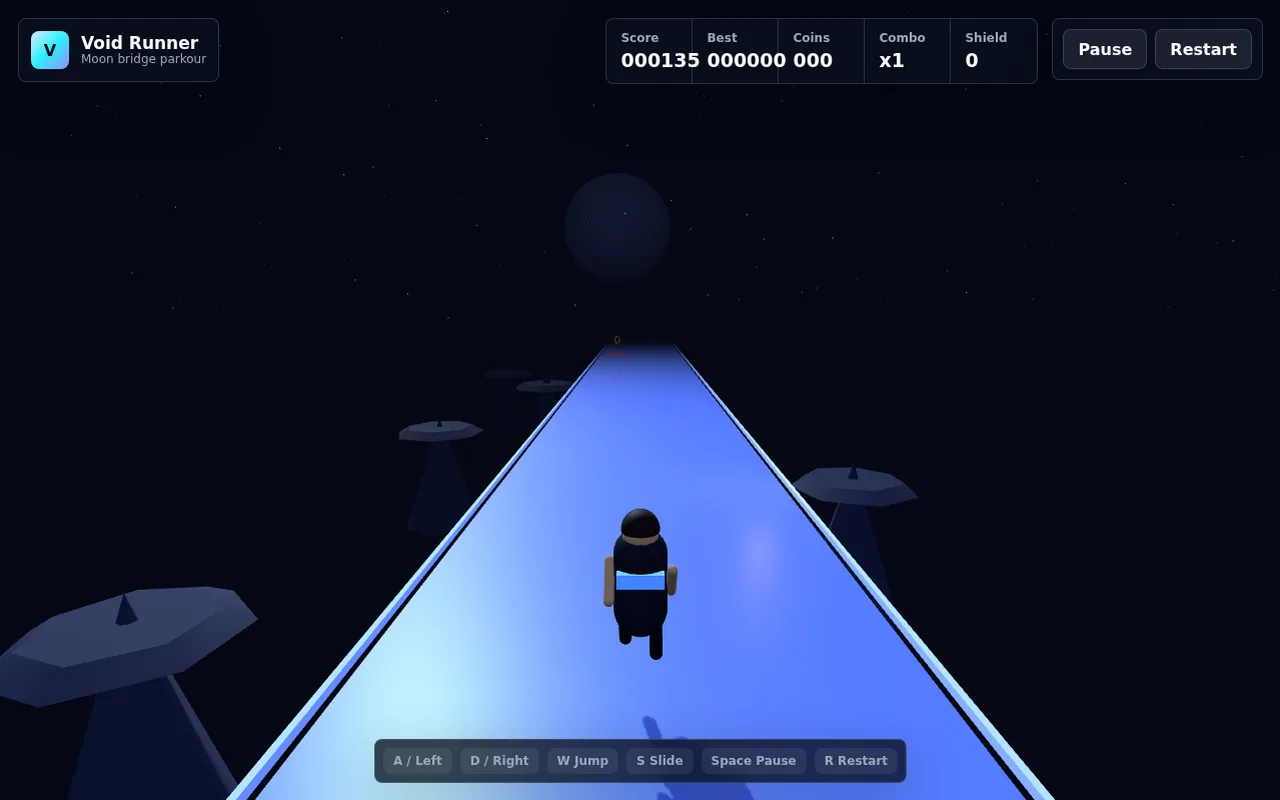
3D
A 3D parkour runner across glowing moon bridges: dodge hazards, slide under gates, grab coins and chain combos.
Mobile / touch support listed · Portrait or landscape
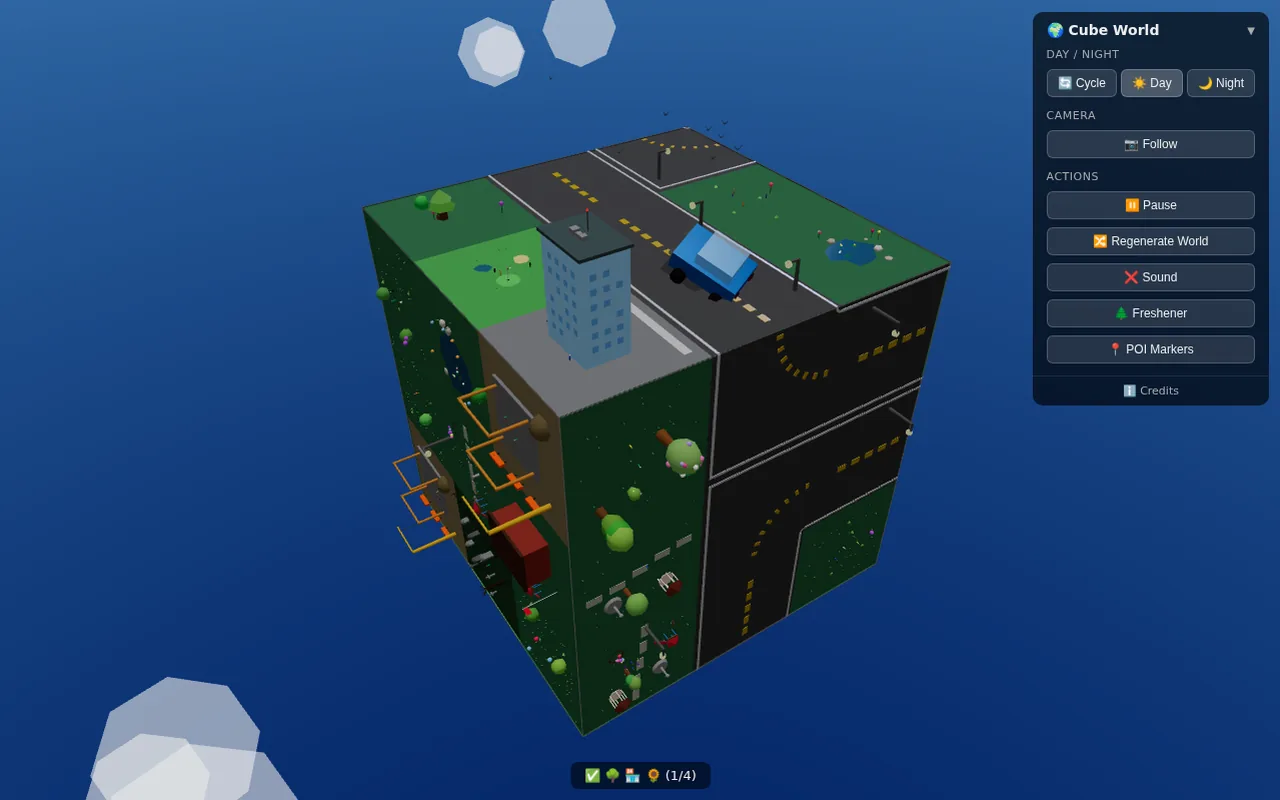
3D
Watch a tiny car cross a procedurally generated cube planet where the roads rearrange as you watch.
Mobile / touch support listed · Portrait or landscape
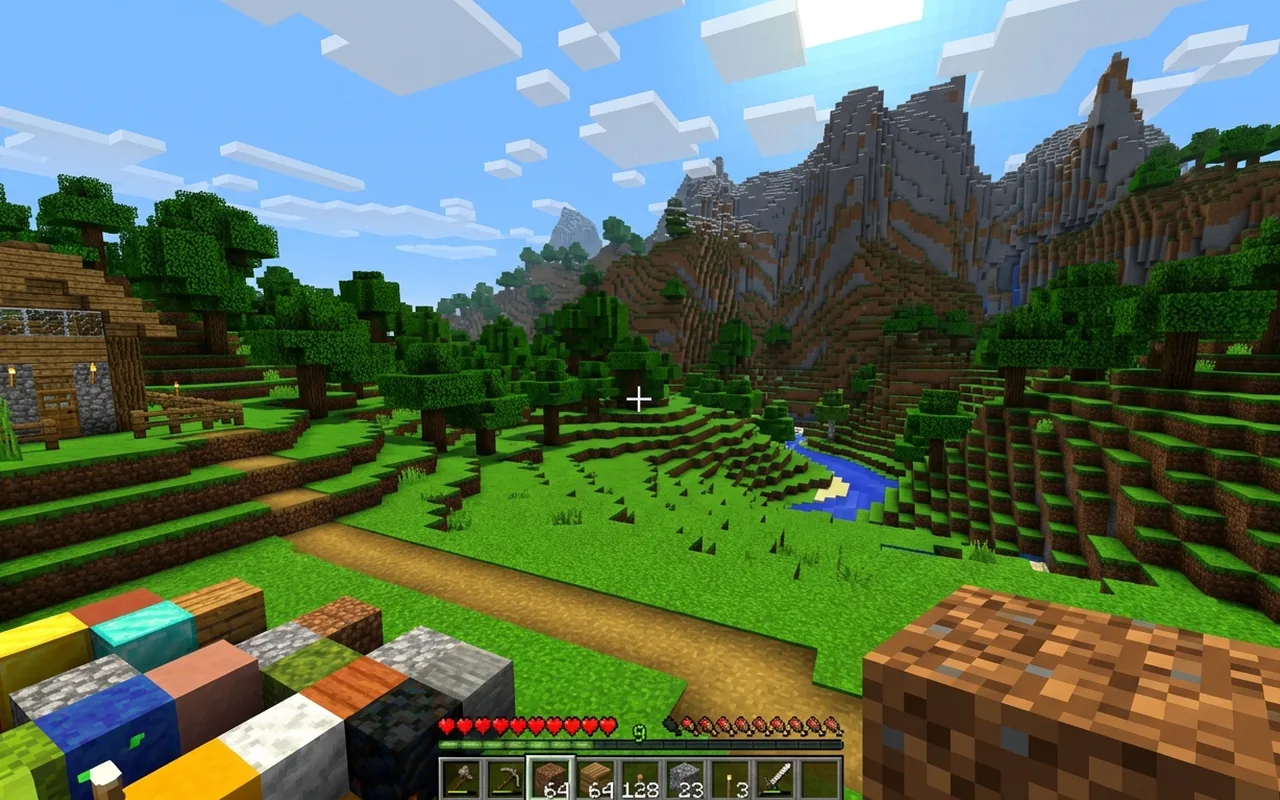
3D
A 3D voxel sandbox where every launch generates a new world to mine, build and craft in.
Desktop · Keyboard / mouse · Landscape
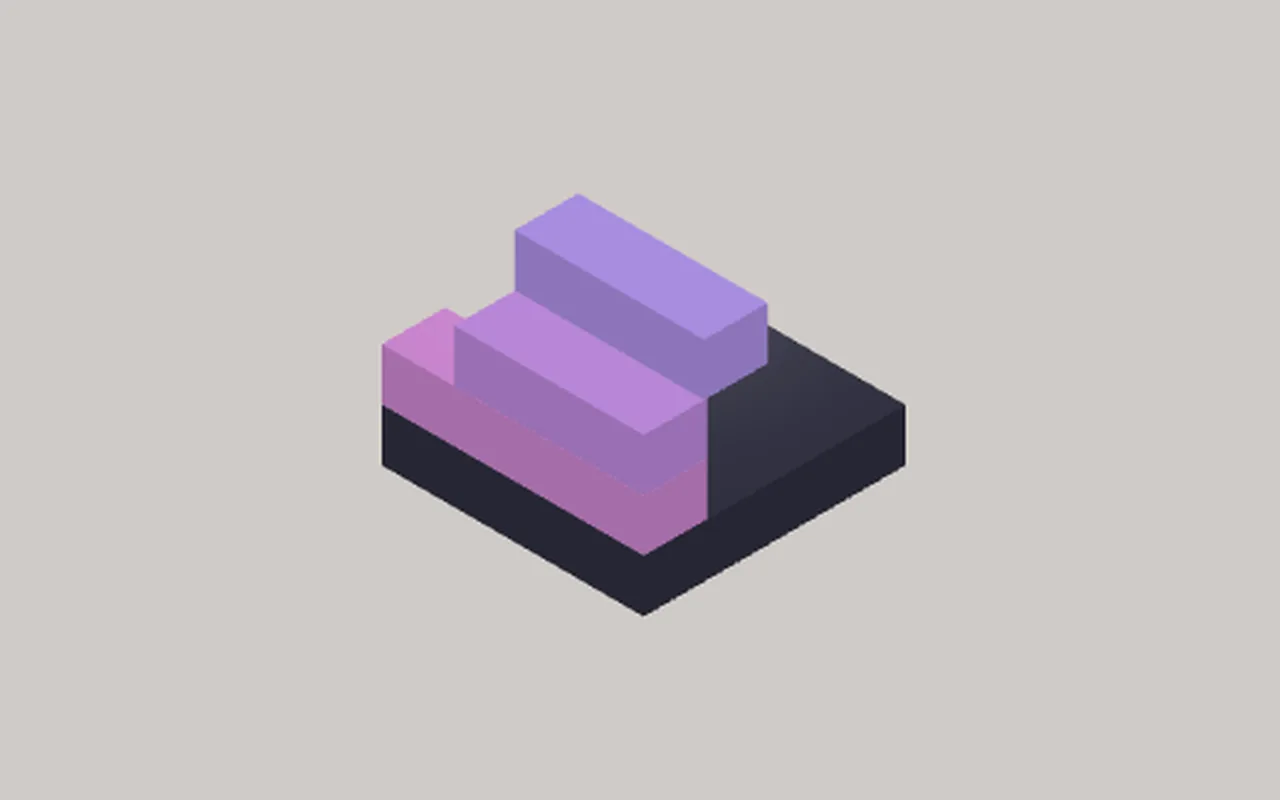
3D
Stack moving blocks as high as you can in a calm isometric 3D tower game where every miss slices your tower thinner.
Mobile / touch support listed · Portrait
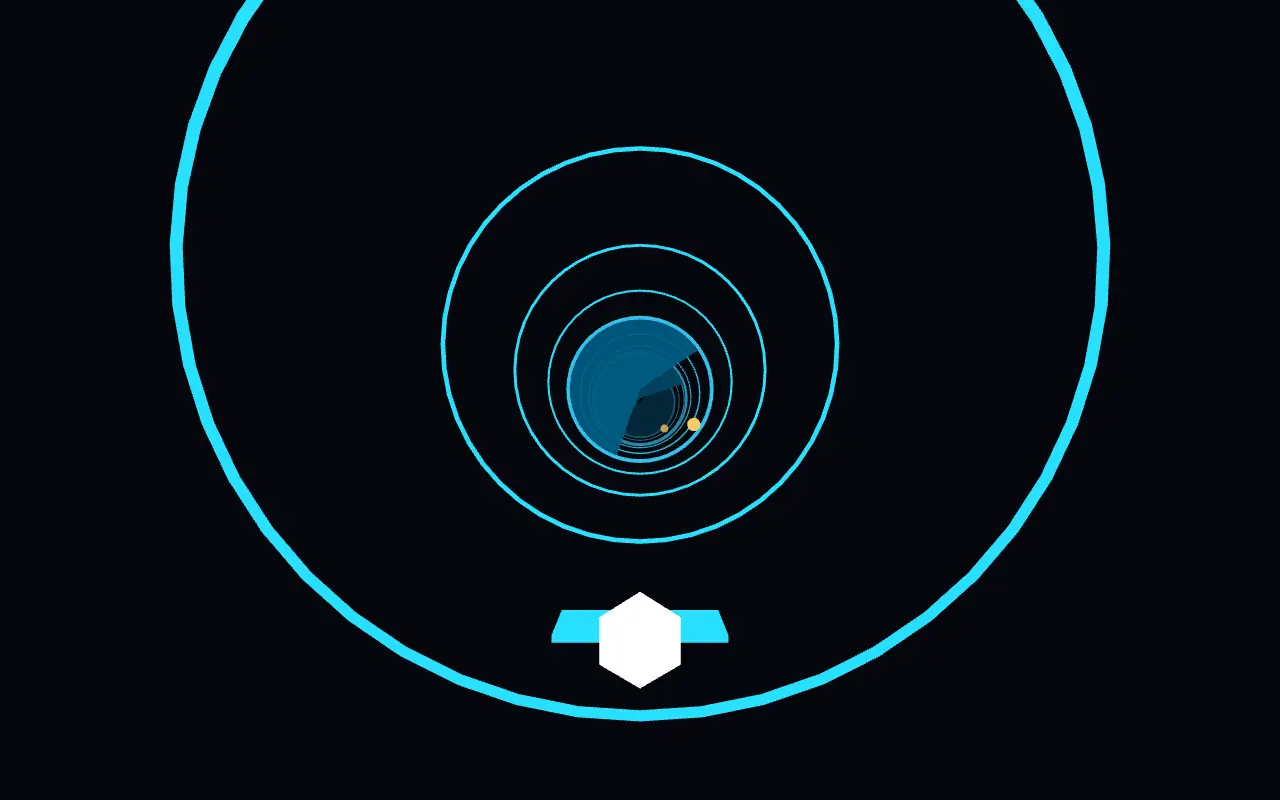
3D
A fast 3D tunnel runner: spin around the walls, slip through shrinking gaps and grab gold orbs as the speed climbs.
Mobile / touch support listed · Landscape
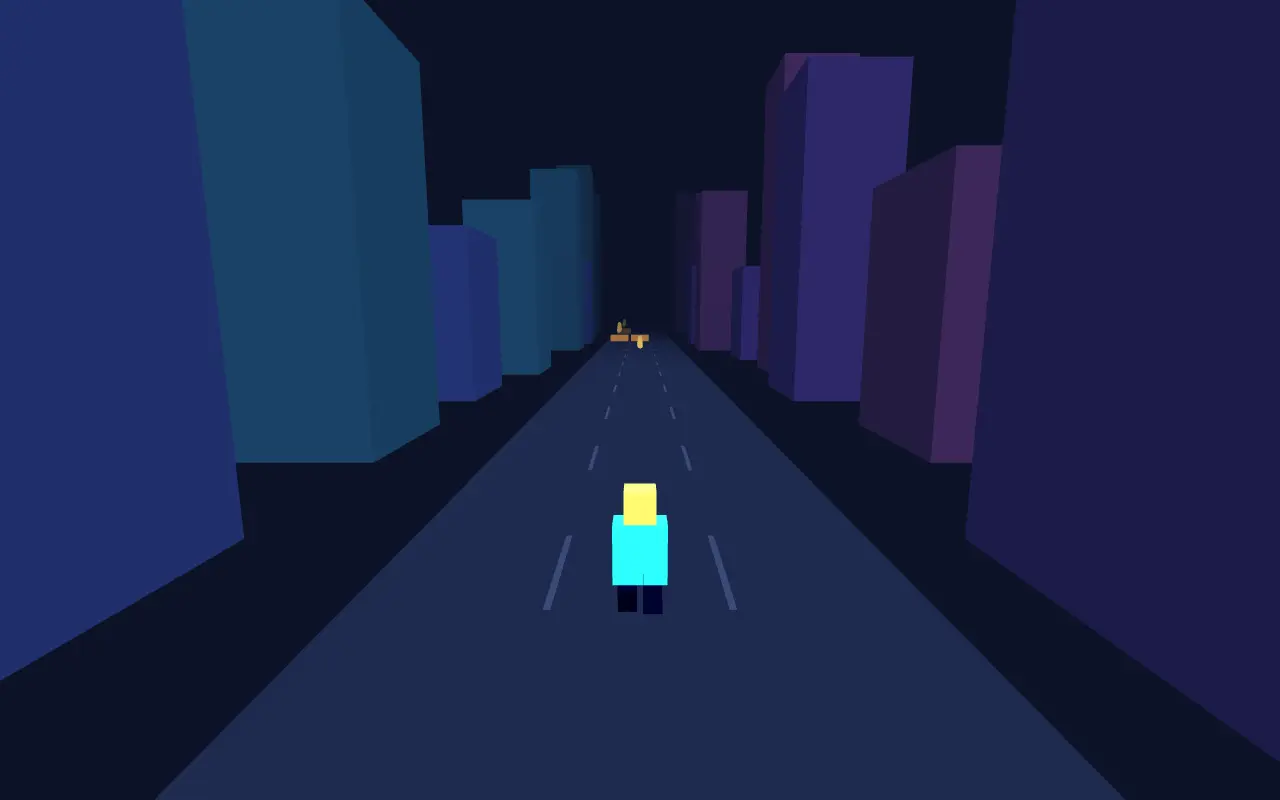
3D
A three-lane 3D city runner with jumps, slides, trains to dodge and coin lines to chase.
Mobile / touch support listed · Portrait
3D
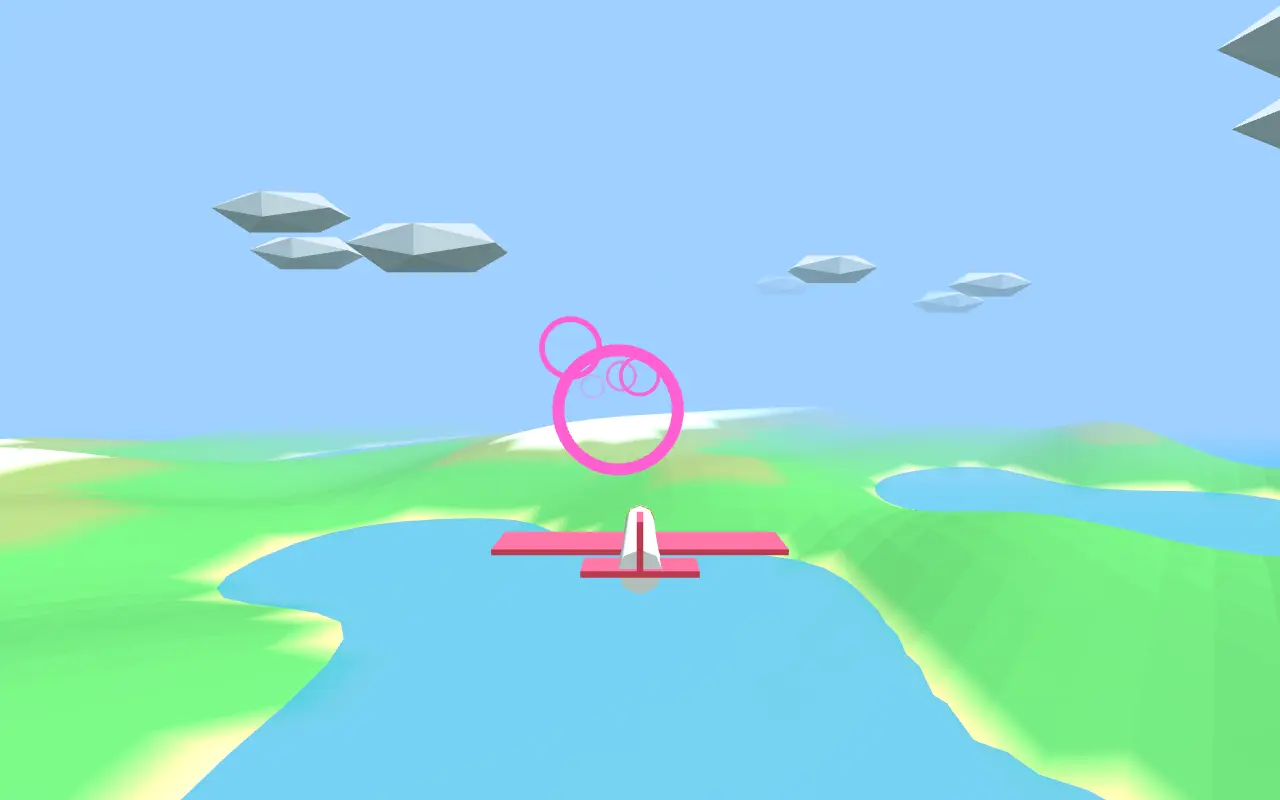
Fly a plane through glowing rings over rolling 3D terrain and race the clock for combo bonuses.
Mobile / touch support listed · Landscape