Why It Plays Well
- A new procedurally generated world every launch
- Six biomes plus caves, ore and lava
- Mining, building and crafting on a 2x2 and 3x3 grid
- Day and night cycle
- Creative mode with flying
- Hosted on Endless, no download

3D game
YourCraft is a single-player 3D voxel sandbox that runs entirely in your browser. Each time you start, it generates a brand-new world of plains, forests, mountains, deserts, beaches and oceans, with caves, ore deposits and lava hiding underground. Mine blocks with the left mouse button, place them with the right, and open the inventory to craft items such as planks, sticks, a crafting table and torches. Switch to creative mode to fly over the landscape, or stay on foot and build from scratch. The sky cycles from day to night, and every sound is synthesised in the browser, so there is nothing extra to download. YourCraft is open-source under the MIT licence and is hosted right here on Endless, so it loads quickly and plays the same on every visit. It needs a keyboard and mouse, so play it on a desktop or laptop.
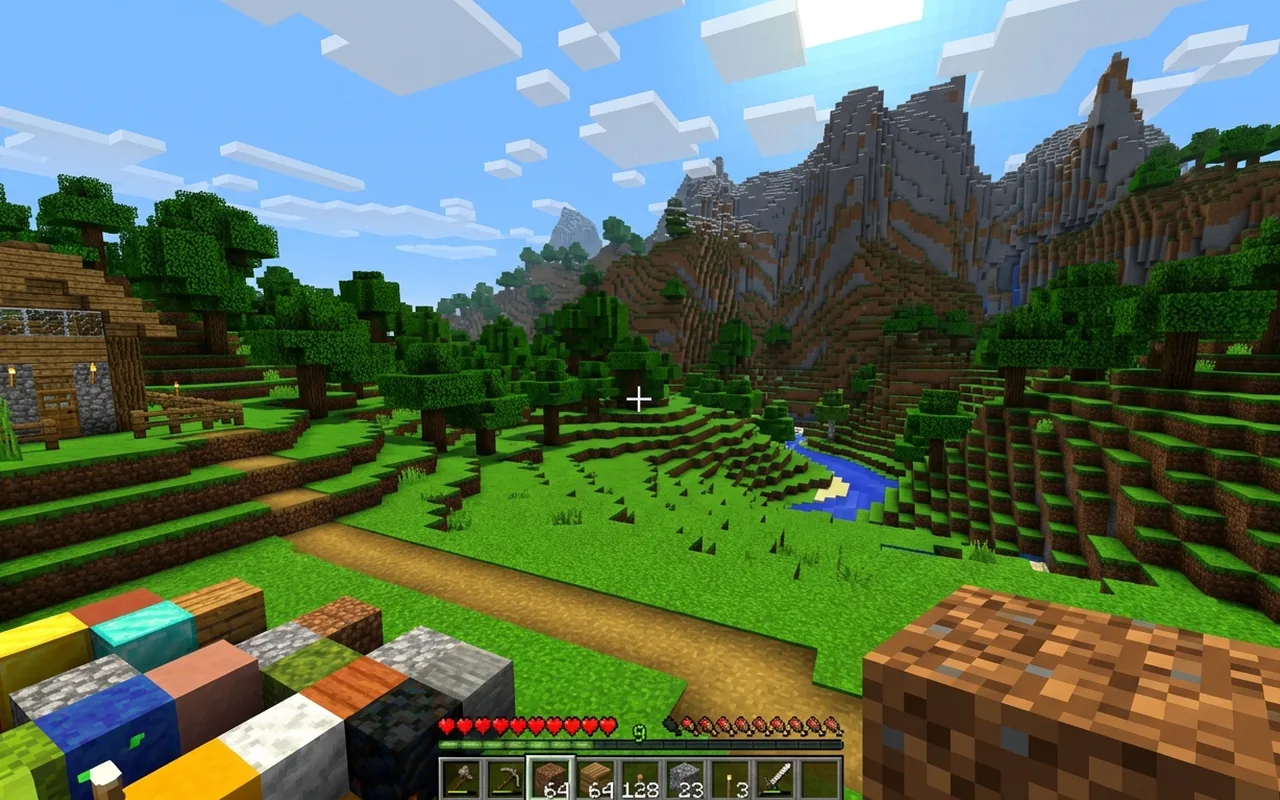
Desktop or laptop with a keyboard and mouse. Not playable on touch screens.
Landscape orientation.
Attribution
Original work © 2026 Wyzuk. Licence information: MIT.
Includes Three.js and simplex-noise, both MIT-licensed.
FAQ
Yes. YourCraft is free to play in your browser on Endless. There is nothing to download or install and no account to create.
W A S D to move. Move the mouse to look (click the game to capture the cursor). Left click to mine, right click to place a block. Space to jump, double-tap Space to start or stop flying. Shift to sneak, or to fly down while flying. E opens the inventory and crafting grid. 1 to 9 or the mouse wheel to pick a hotbar slot. C toggles creative mode, Esc pauses.
YourCraft needs a keyboard and mouse, so it is best played on a desktop or laptop. Desktop or laptop with a keyboard and mouse. Not playable on touch screens.
Yes. Each time you start, it generates a new world of plains, forests, mountains, deserts, beaches and oceans, with caves and ore deposits underground. There is also a Generate New World button in the menu.
Wyzuk created YourCraft. Licence information: MIT. Source and attribution details are linked in the credits section on this page.
Game details
A 3D voxel sandbox where every launch generates a new world to mine, build and craft in.
Explore more
Looking for something similar? Browse the 3d catalog or view the full game library.
More to play
3D
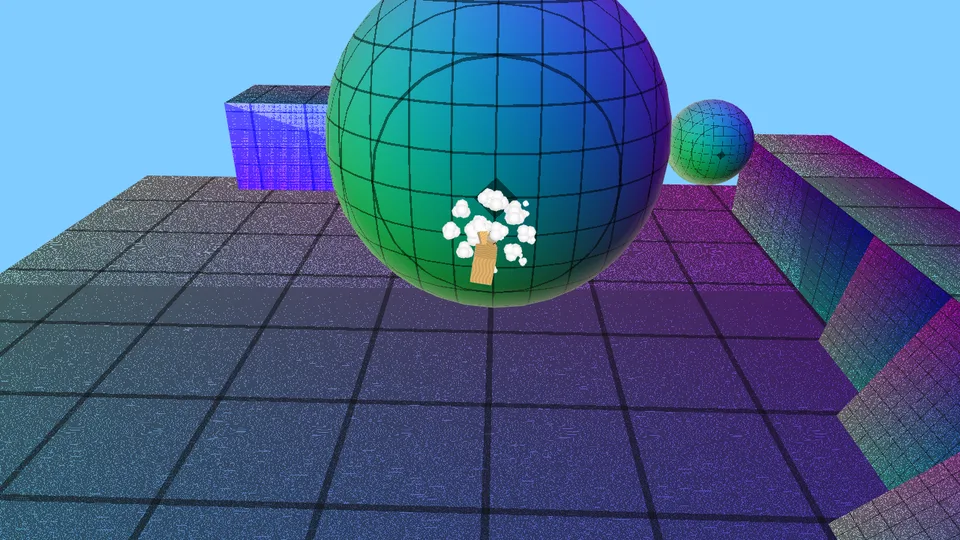
A Mario-Galaxy-style orbital-gravity platformer: run around planets and jump between them.
Desktop · Keyboard / mouse · Landscape
3D
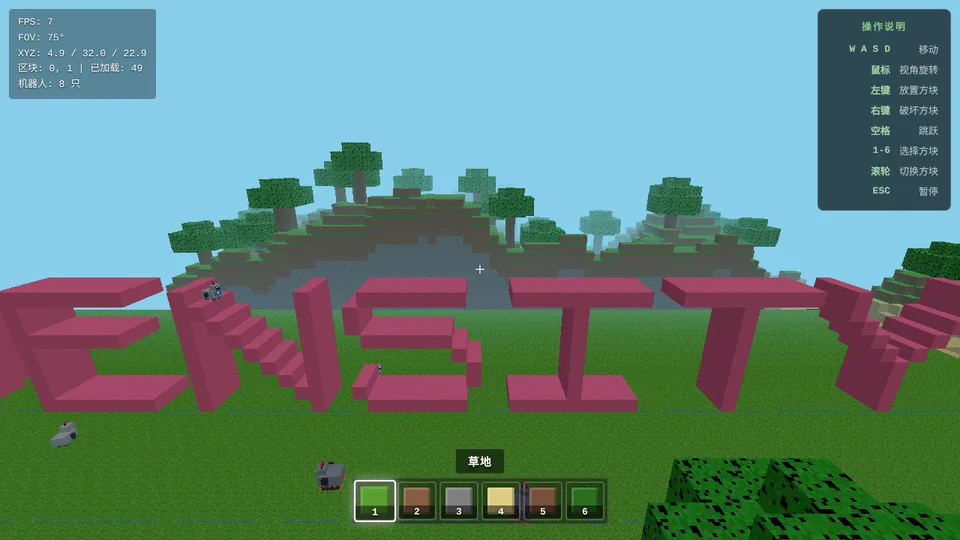
A Minecraft-like voxel sandbox: explore terrain, build and break blocks.
Mobile support not verified · Portrait or landscape
3D
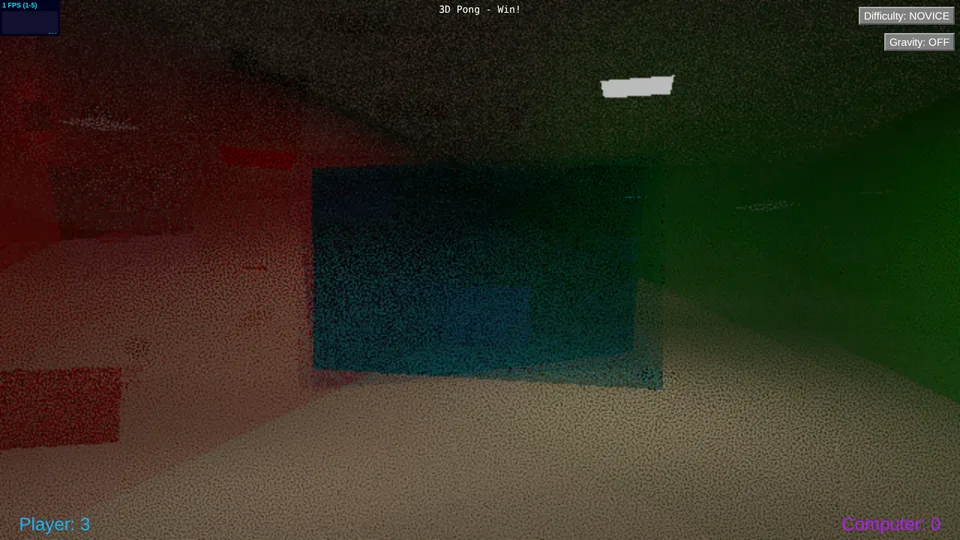
Pong played in a 3D court against a computer opponent.
Mobile support not verified · Landscape
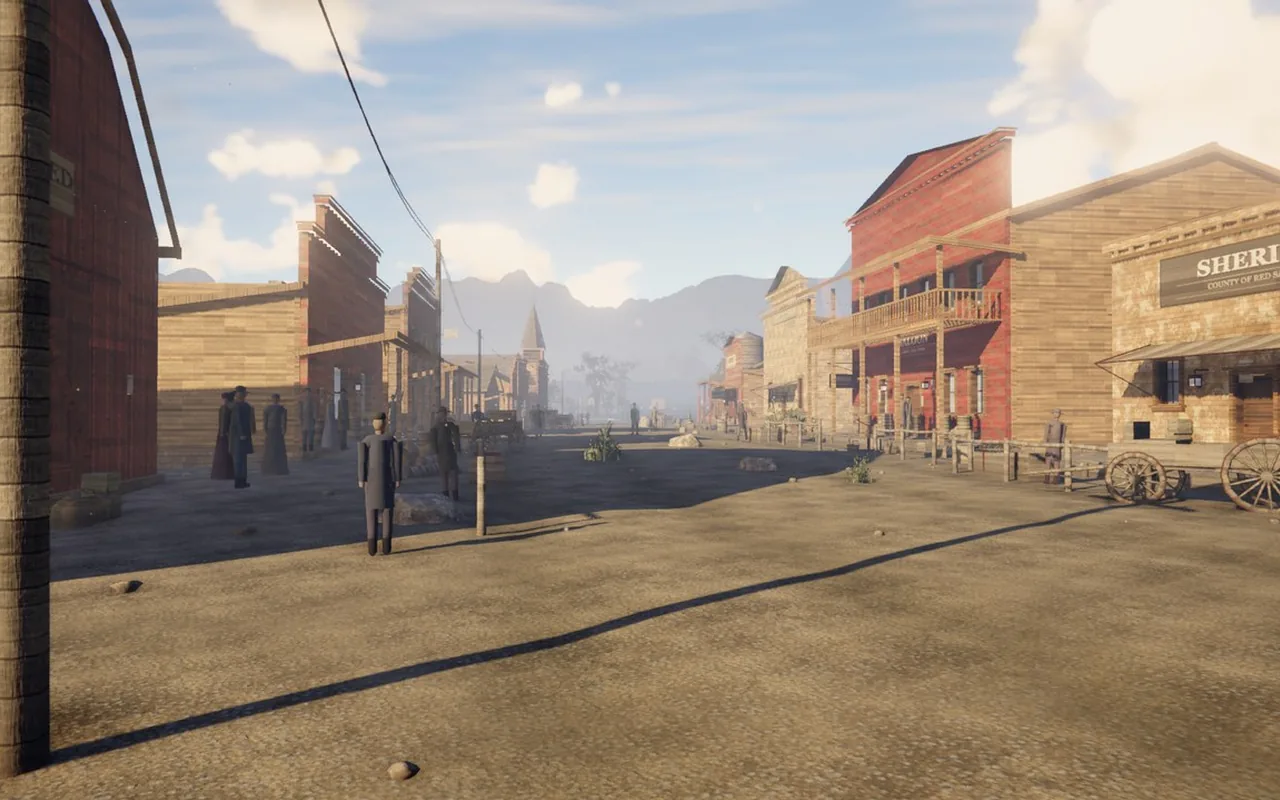
3D
An open-world western in your browser: 8 square kilometres of frontier, a living town, horses, hunting and volumetric weather.
Desktop · Keyboard / mouse · Landscape
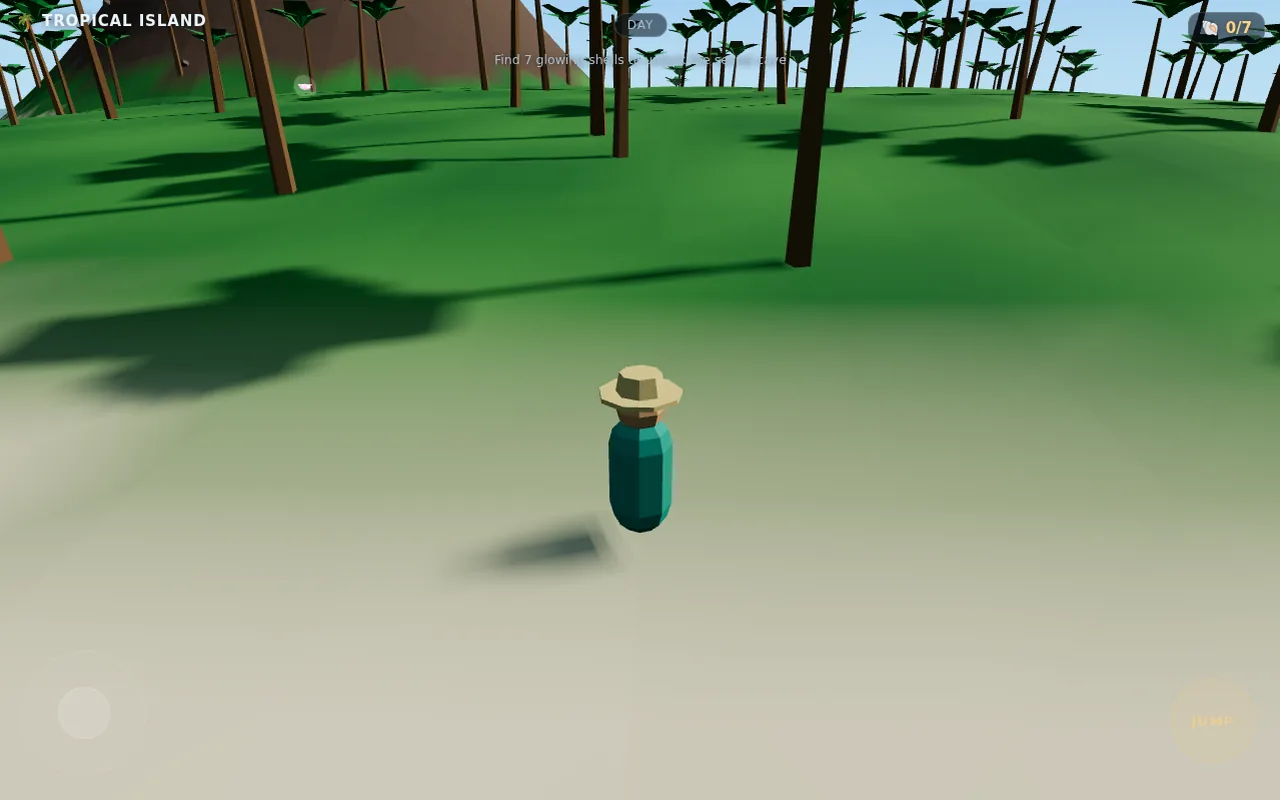
3D
Explore a sunny low-poly island in 3D, hunt for seven glowing shells and uncover a secret cave. Built for phones.
Mobile / touch support listed · Portrait or landscape
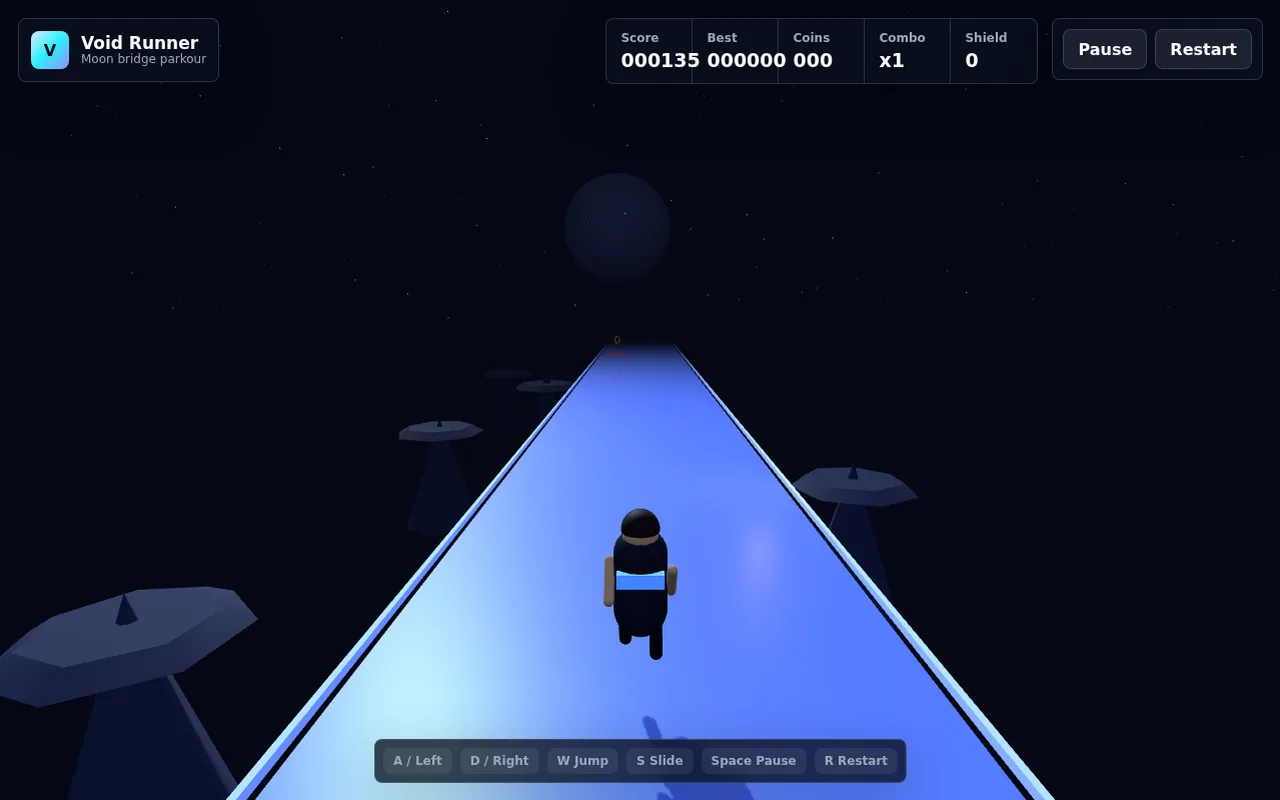
3D
A 3D parkour runner across glowing moon bridges: dodge hazards, slide under gates, grab coins and chain combos.
Mobile / touch support listed · Portrait or landscape
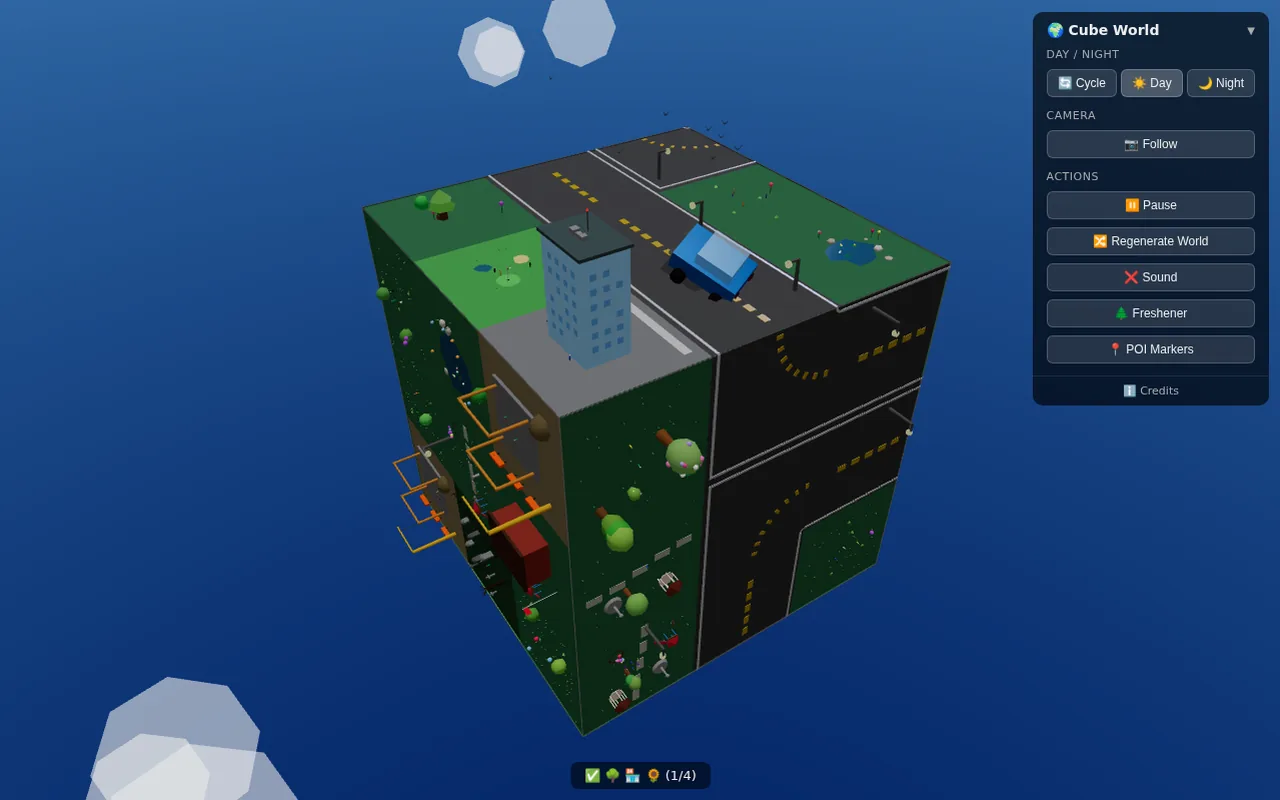
3D
Watch a tiny car cross a procedurally generated cube planet where the roads rearrange as you watch.
Mobile / touch support listed · Portrait or landscape
3D
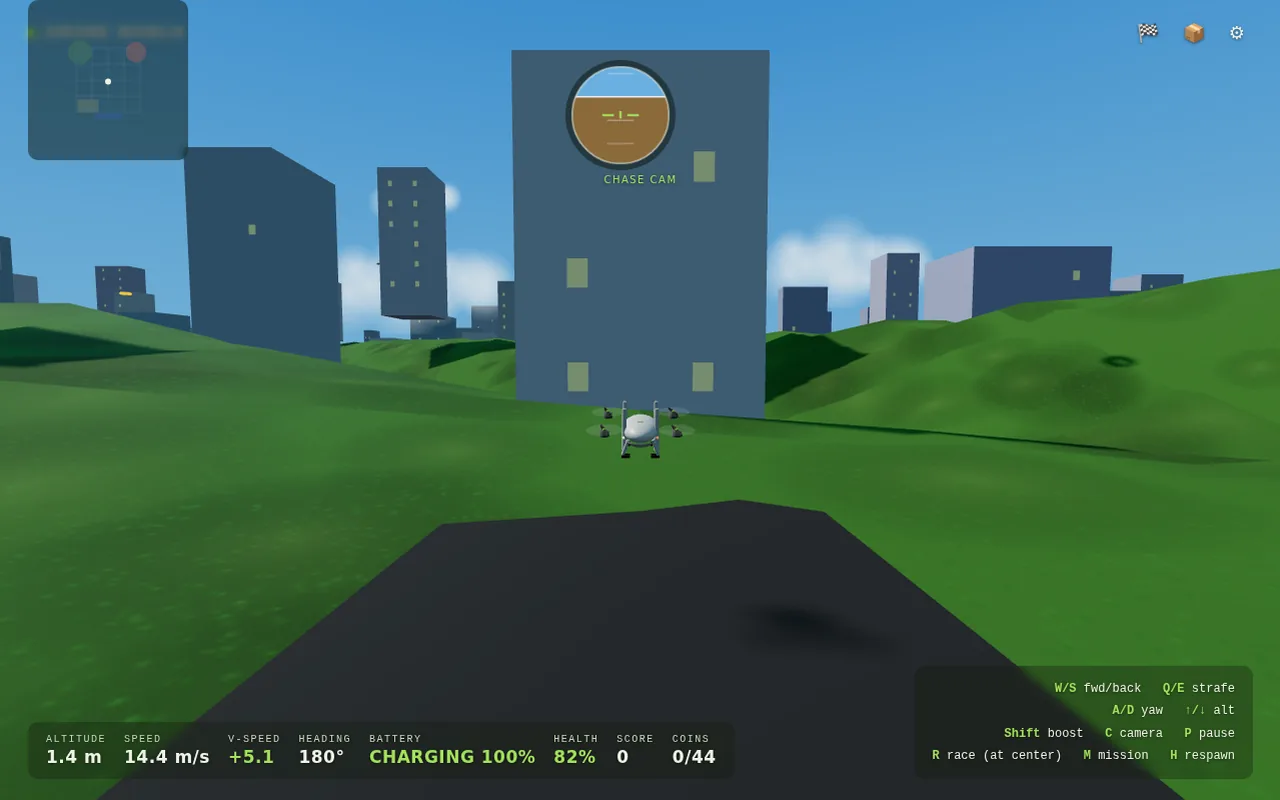
Pilot a quadcopter over a 3D city, collecting coins, racing and flying missions while watching your battery.
Mobile / touch support listed · Landscape
3D
Stack moving blocks as high as you can in a calm isometric 3D tower game where every miss slices your tower thinner.
Mobile / touch support listed · Portrait
3D
A fast 3D tunnel runner: spin around the walls, slip through shrinking gaps and grab gold orbs as the speed climbs.
Mobile / touch support listed · Landscape
3D
A three-lane 3D city runner with jumps, slides, trains to dodge and coin lines to chase.
Mobile / touch support listed · Portrait
3D
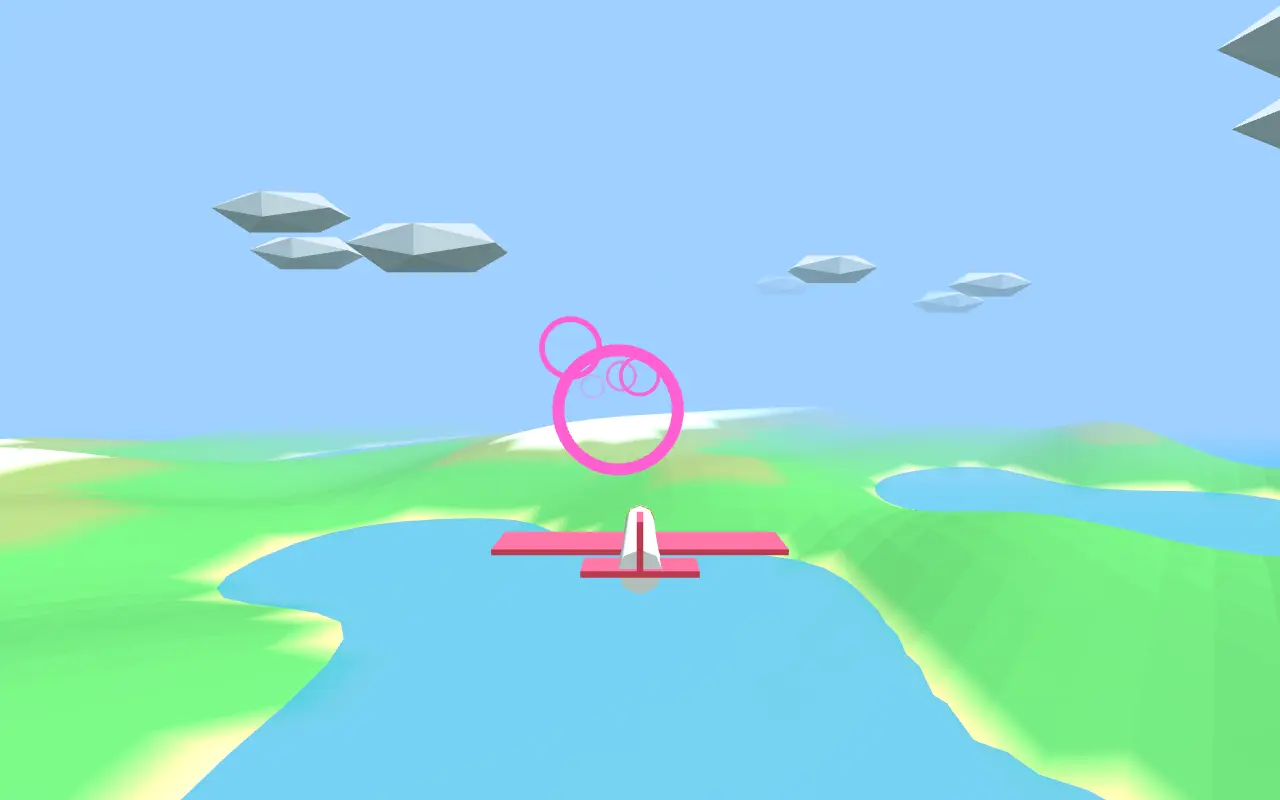
Fly a plane through glowing rings over rolling 3D terrain and race the clock for combo bonuses.
Mobile / touch support listed · Landscape